






The time has come! Account migration is now open to Xbox One Players.
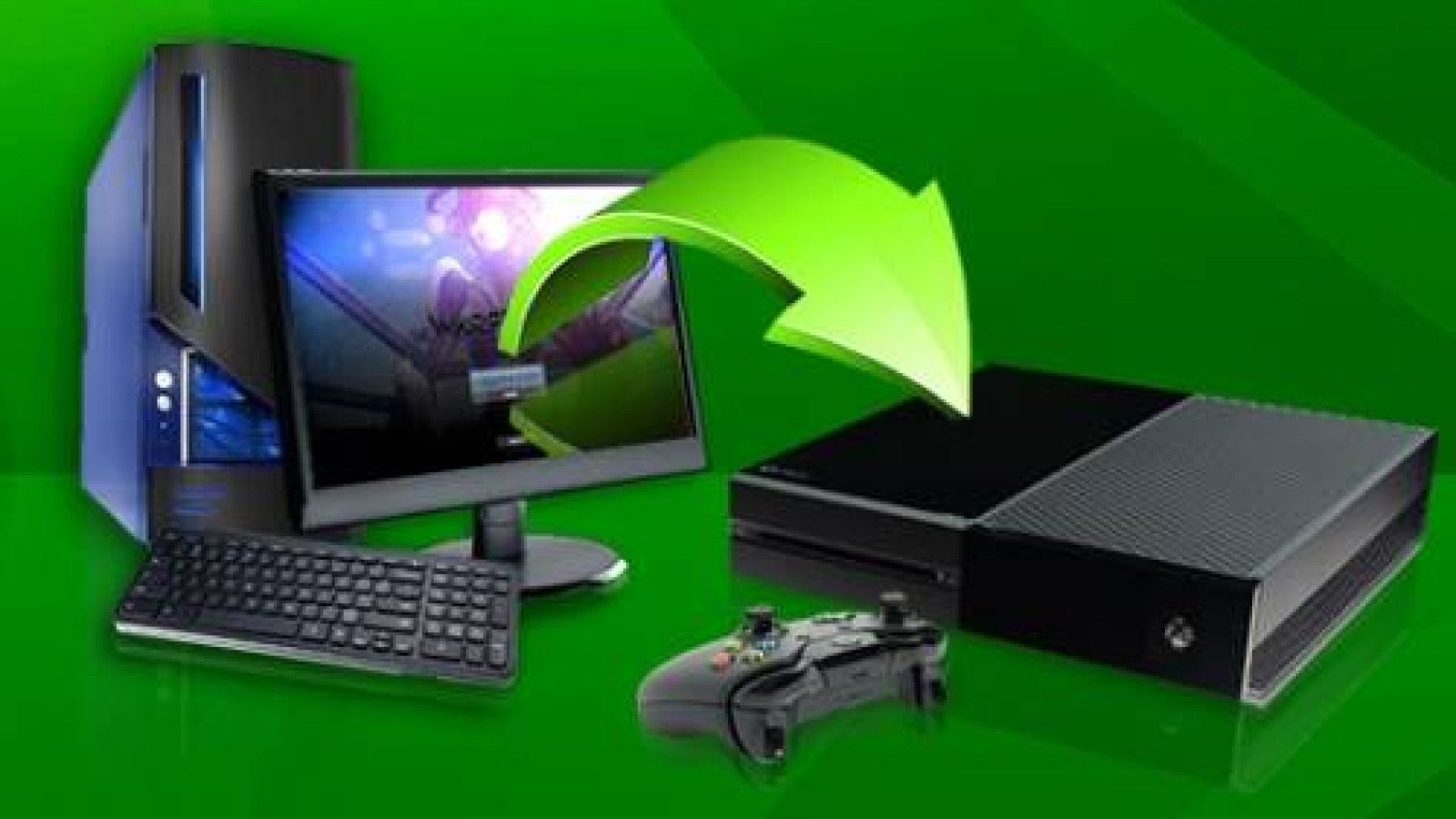
From now until Monday, November 17 at 2 PM EST, the Migrate Account option will allow you to create a copy of your existing PC account for use on the Xbox One version of Warframe.
There are a few things you should know before you transfer your account:
- PC to Xbox One account migration creates a copy of your PC account and transfers it to your Xbox One account. Once migrated, the two accounts act as separate accounts.
- Migration can only be performed once and can NOT be reversed. Be sure to use the correct Gamertag for the migration.
- All existing Xbox One account progress will be overwritten by your PC account.
- All Platinum and goods purchased on the Marketplace will be added to your new migrated account.
- Any items purchased in-game with Platinum on Xbox One will be overwritten and the Platinum returned to your new migrated account; items purchased with credits will be overwritten by your PC account
- No Platinum purchased on the PC version of Warframe will be transferred to the Xbox One copy.
- No Clan information from the PC is copied, all existing Xbox One Clan information remains untouched.
- Any items on PC that are not currently available on Xbox One will appear when the Xbox One is updated.
- If you have an existing Xbox One account, your Friends List will not be overwritten, but your PC Friends List will not copy over.
- Account sharing/selling is prohibited and if violated you risk having both accounts banned.
- Your PC account will remain unaffected and unchanged after migration.
- All PC Exclusive items and gear will remain exclusive to the PC and will NOT migrate to the Xbox One.
- This migration works only for PC to Xbox One, not PS4™ to Xbox One.
- Select items will NOT migrate with your account. For a full list, please visit out Forum post here.
For full info and to migrate your account now, visit Account Management and click ‘Migrate Account’.